How to use the site
A short guide to finding, listening, reading, downloading and keeping your own lists.
Finding something
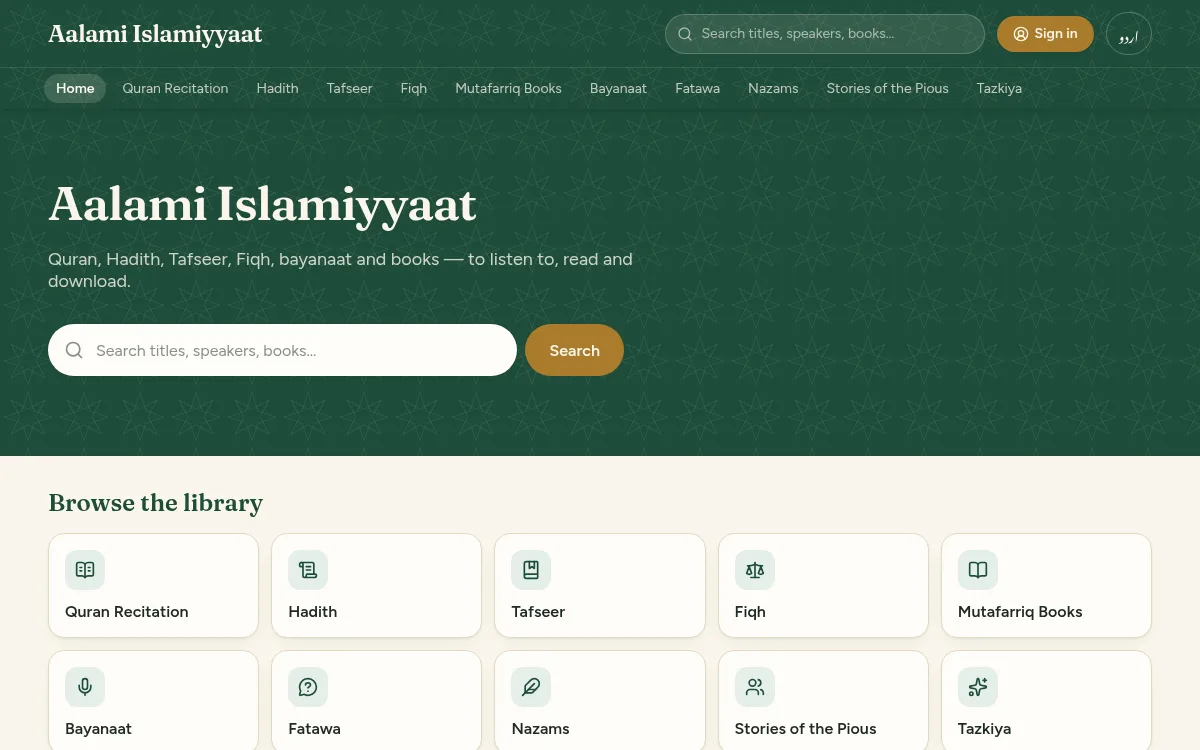
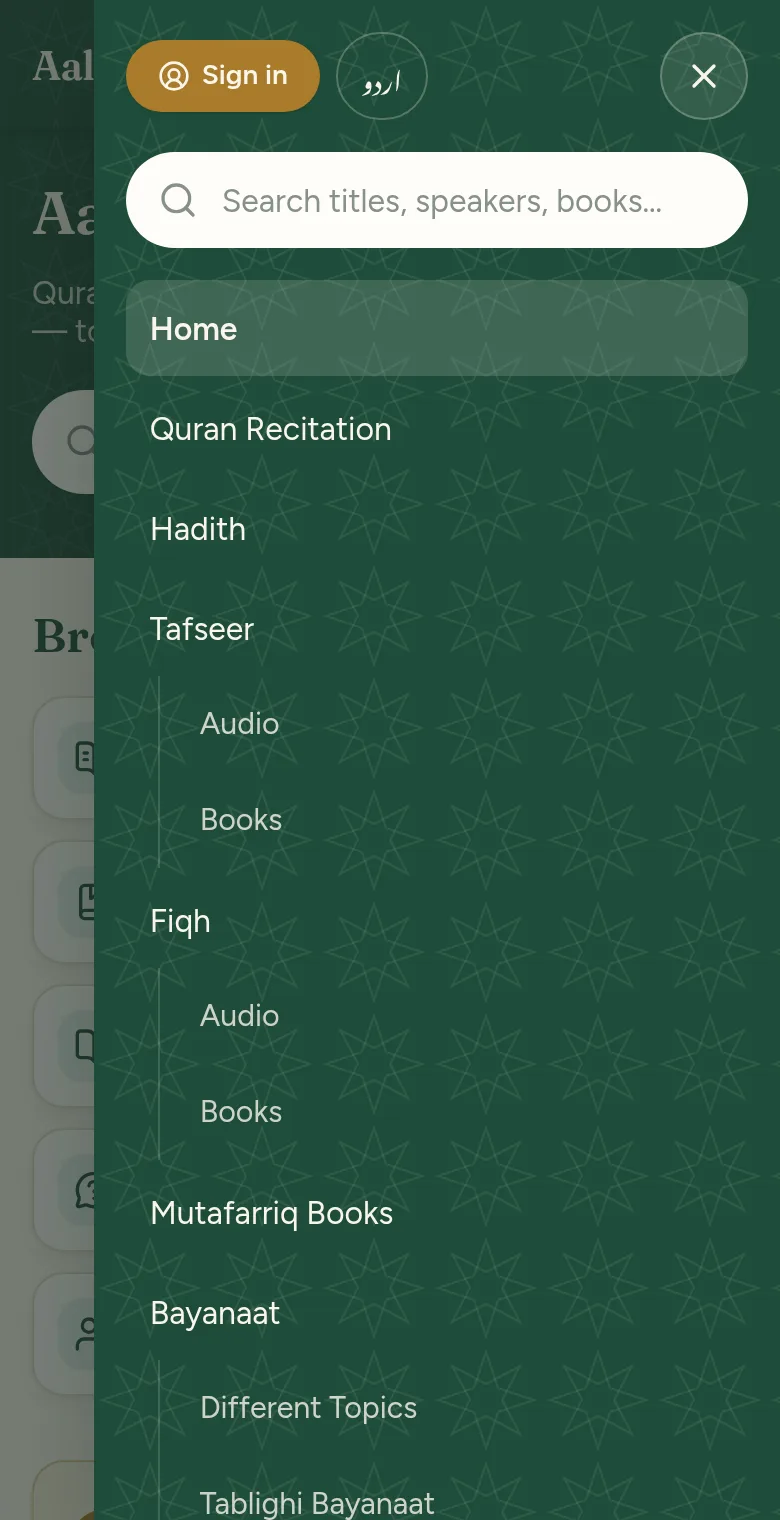
The library is arranged in sections: Quran Recitation, Hadith, Tafseer, Fiqh, Bayanaat, Fatawa, Nazams and others. On a computer they run across the top of every page. On a phone, press the menu button (three lines) at the top.
Inside a section you may see sub-sections, then series (a set of recordings or volumes in order), then single recordings and books.
To search, type a title, a speaker's or reciter's name, or a book's name in the search box. Spelling does not have to be exact, and Arabic and Urdu letters with or without marks are treated the same.
Listening to the Quran
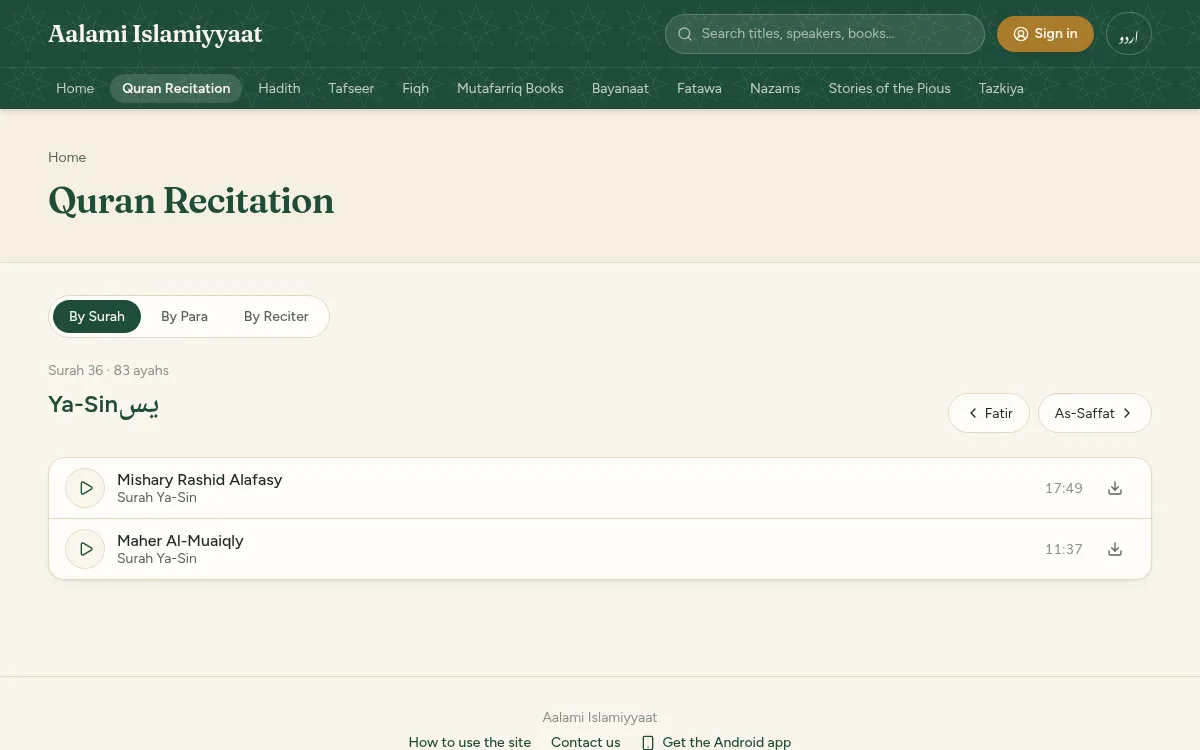
Open Quran Recitation. Choose By Surah to pick one of the 114 surahs, By Para to pick one of the 30 paras, or By Reciter to see everything by one qari.
A surah or para page lists every reciter who has recorded it. A faded entry in the list means no recording has been added for it yet.
Listening
Press the play button beside any recording. A player appears at the bottom of the screen and keeps playing while you move around the site.
- Play or pause with the large round button.
- Jump back 15 seconds or forward 30 seconds with the two arrow buttons.
- Drag the bar to move to any point.
- Press the speed button (1×) to listen faster or slower.
- Press × to close the player.
Pressing play in a list queues the rest of the list after it, so a series plays through by itself. “Play all” starts a list from the beginning.
If you stop part-way through a long recording, the site remembers where you were on that device and continues from there next time.
On a phone the recording keeps playing with the screen off, and you can pause it from the lock screen.
Reading books
Open a book and press “Read online”. Scroll to turn pages, type a page number to jump to it, and use + and − to make the page larger or smaller.
The site remembers the page you reached on that device.
Downloading
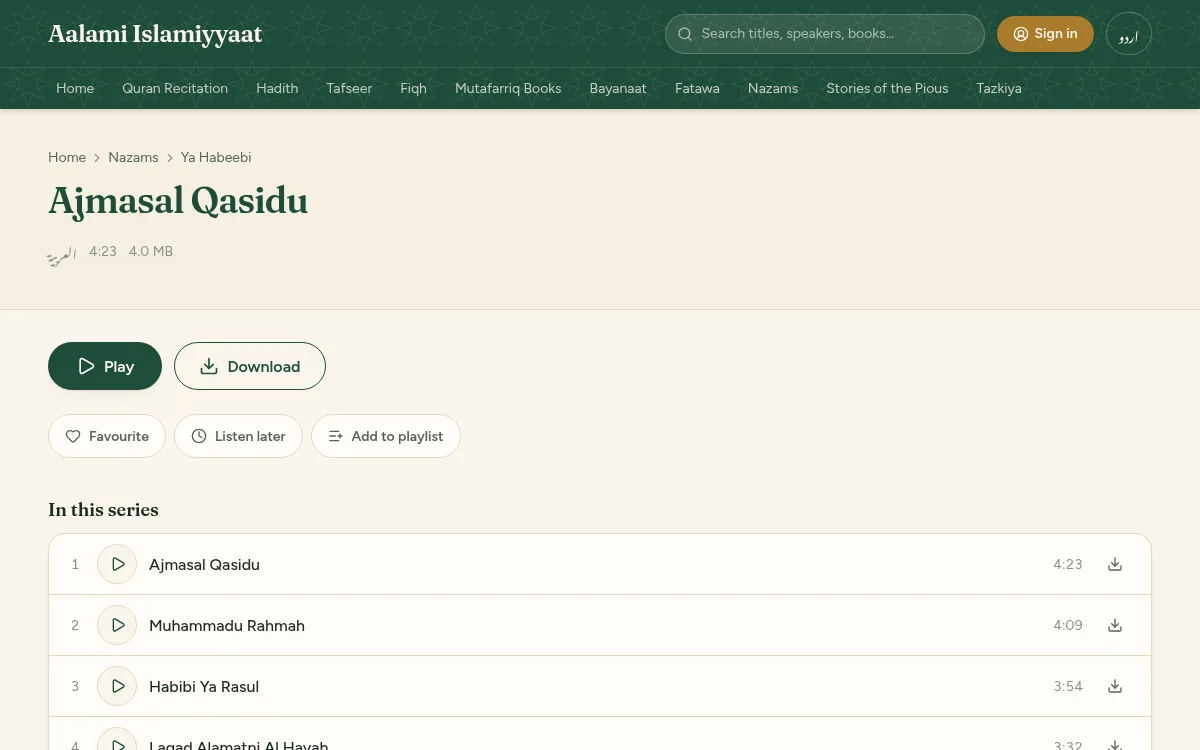
Press the download arrow beside a recording, or the Download button on its page, to save it to your device. Books have a Download button on their page.
A few items may not offer a download. They can still be played or read on the site.
Your account
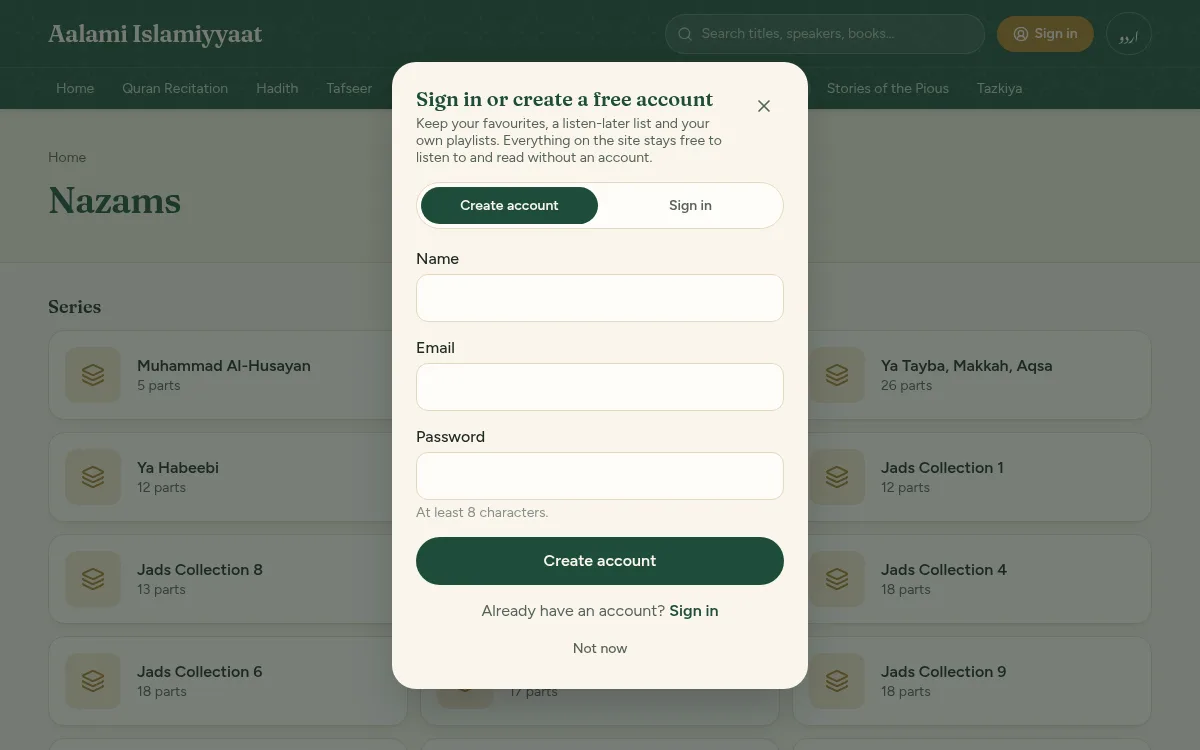
An account is free and optional. It lets you keep favourites, a listen-later list and playlists. Press the gold “Sign in” button at the top of any page, choose “Create account”, and enter your name, email and a password.
We send an email with a link to confirm your address. If it does not arrive, check your spam folder, or press “Send the link again” on your account page.
- Favourite: on any recording's or book's page, press “Favourite”. Find them under Favourites on your account page.
- Listen later: press “Listen later” (“Read later” on a book) to queue something. Find them under Listen later.
- Playlists: press “Add to playlist” on a recording's page, then tick a playlist or type a name to make a new one. Open a playlist from your account page to play it through, rename it or delete it.
- To remove something from a list, open the list on your account page and press × beside it.

Changing or recovering your password
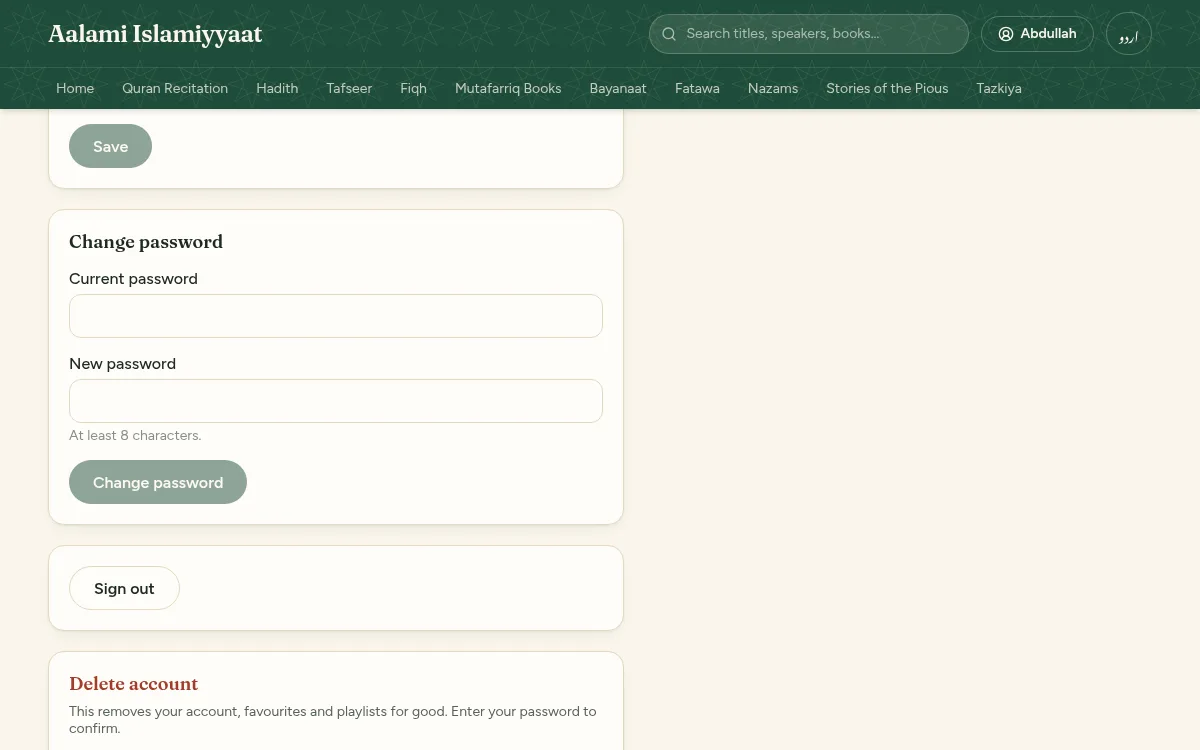
- To change it: open your account (the button with your name at the top; on a phone, the person icon), choose “Password and settings”, and fill in “Change password”.
- If you have forgotten it: on the sign-in page press “Forgot your password?”, enter your email, and follow the link we send. The link works for one hour.
The same page lets you change your name, sign out, or delete your account.
Asking a question
When questions are being accepted, the Fatawa section shows an “Ask a question” button. Write your question; your name and email are optional.
Your question is private. It is only published, without your name, if you tick the box allowing that. After sending you are given a private link showing its status and, later, the answer. If you left an email we also write to you when it is answered.
On your phone
The site works in any phone browser. On Android you can also install the app from the “Get the Android app” link at the bottom of any page or in the menu. Your phone will ask you to allow the install because the app does not come from the Play Store.
The first time the app opens, Android shows a short “Running in Chrome” notice. This is normal.
Contacting us
Use “Contact us” at the bottom of any page for suggestions, corrections, or to ask for something to be added or removed. Leave an email or phone number if you would like a reply.